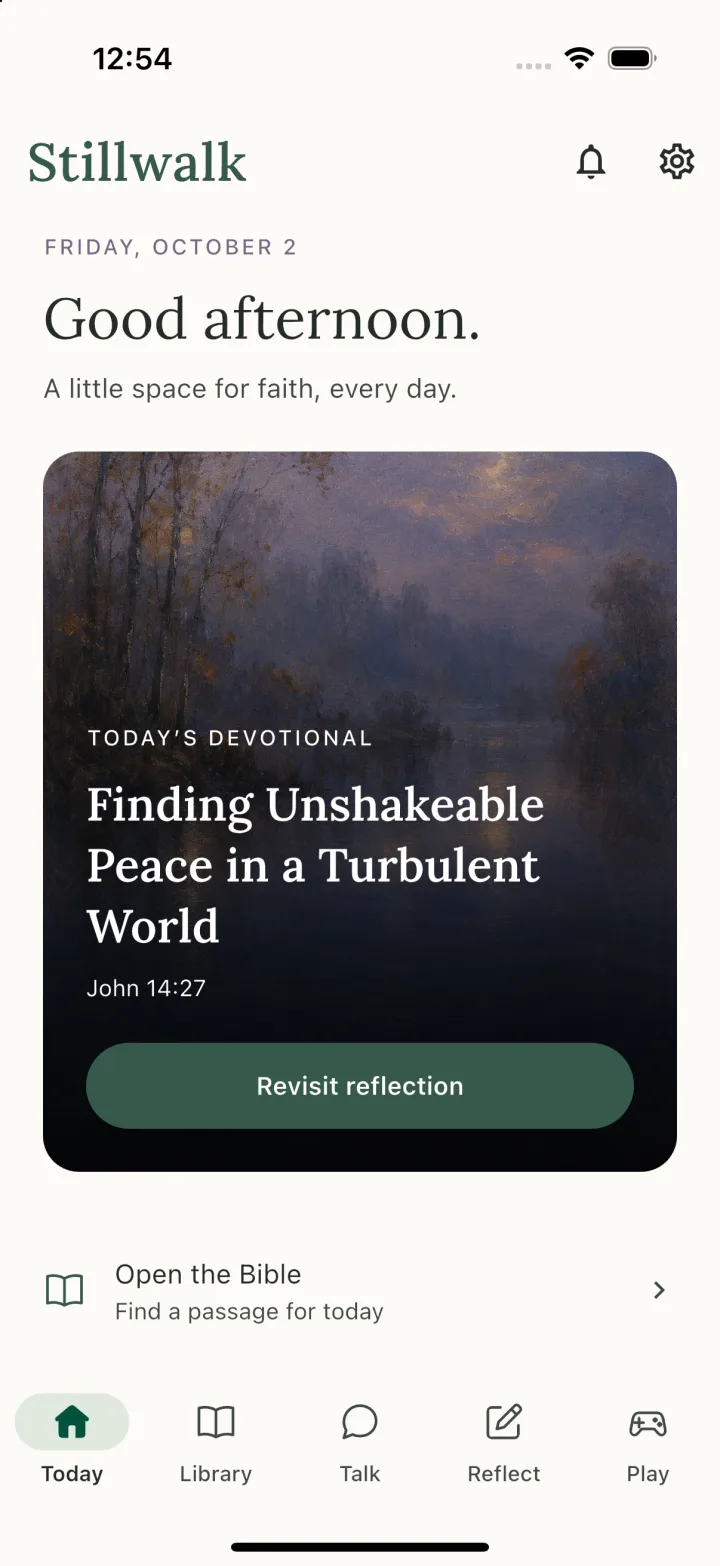
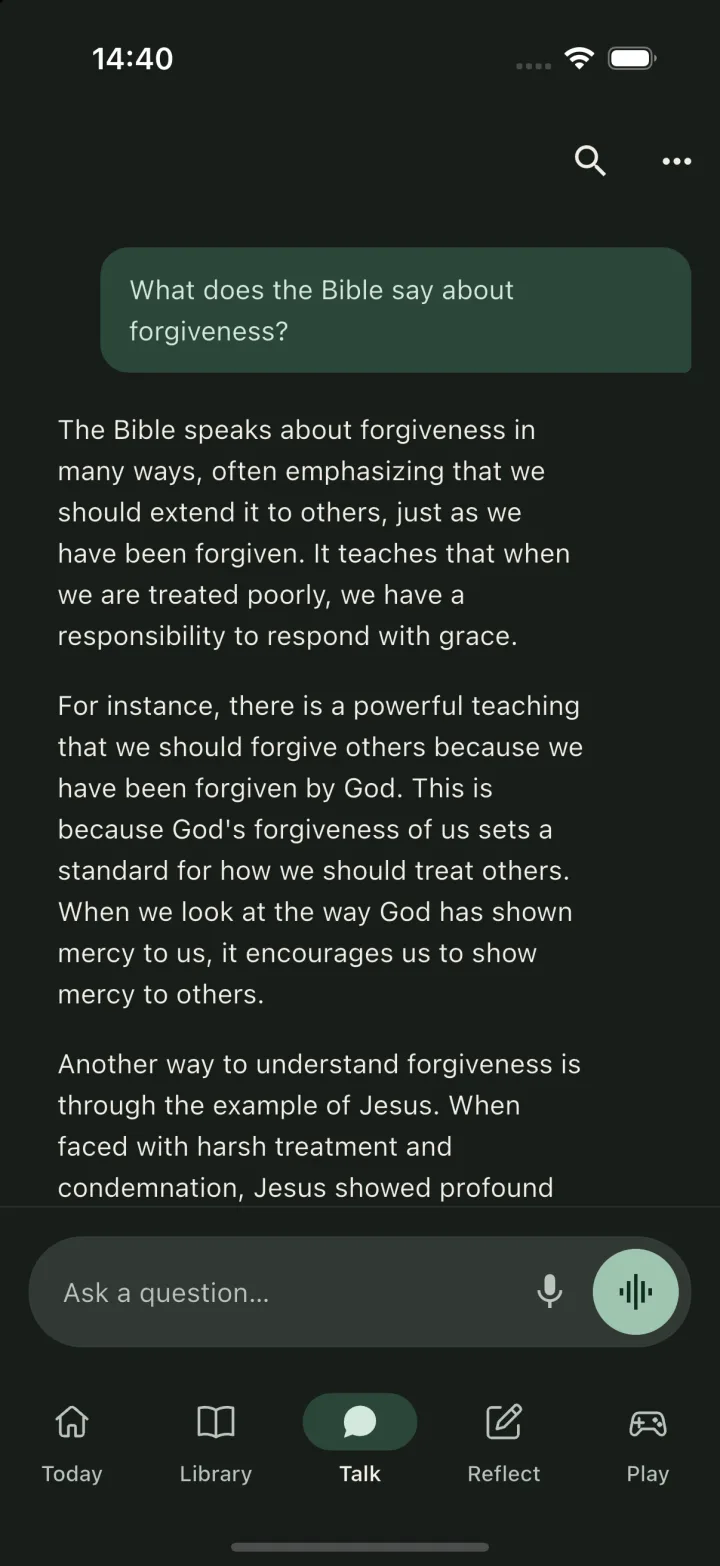
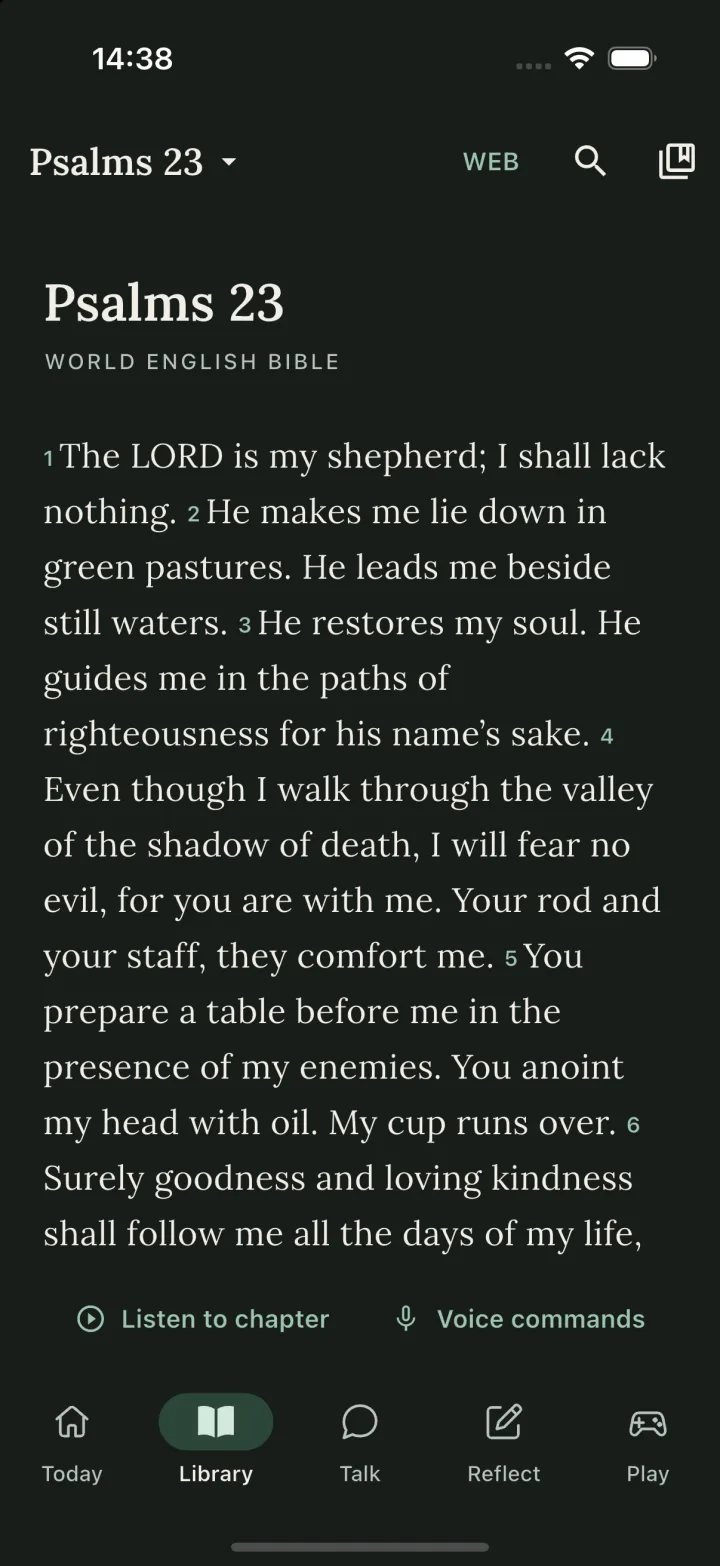
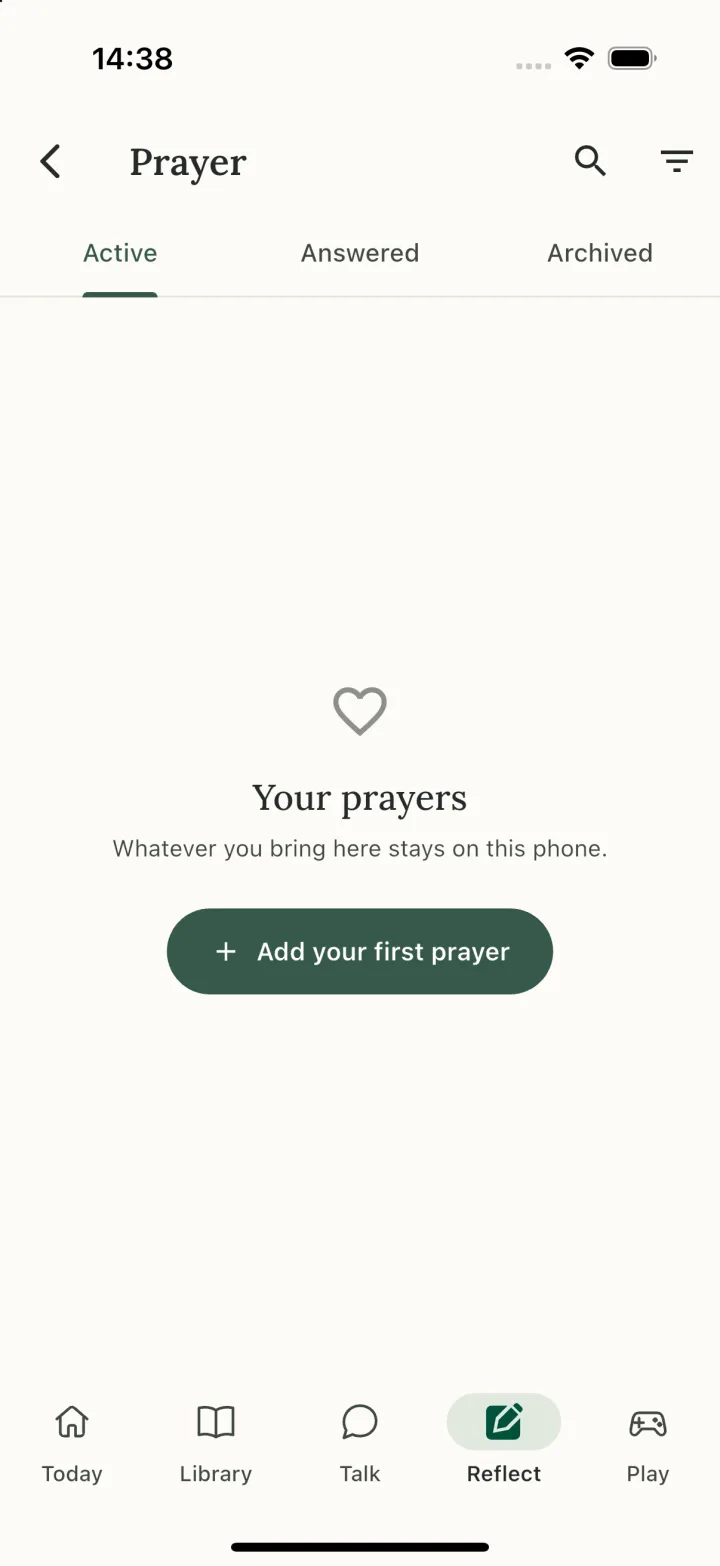
Rooted in ScripturePersonal by designOn-device intelligenceRoom for real life
A GENTLER WAY TO GROW
Faith belongs in your life. Just as it is.
In the quiet morning. Between the busy moments. At the end of a long day. Stillwalk brings your Bible, prayers, and reflections into one thoughtful space—so you can begin where you are.
A DAILY RHYTHM, AT YOUR PACE
A few moments. A little more grounded.
No perfect routine required. Make room for what matters, one small step at a time.
THOUGHTFUL COMPANY FOR THE JOURNEY
Bring your questions. Find room to reflect.
Explore a passage, talk through a question, or put a feeling into words. Stillwalk’s on-device AI companion helps you explore questions about faith. Open your Bible alongside the conversation and check the references for yourself.
Type or speak, whichever feels natural. Then take the conversation back into your life.
A QUESTION YOU MIGHT BRING
“What does the Bible say about forgiveness?”
Space to explore. Scripture to return to.
AI can make mistakes. Stillwalk supports reflection; it does not speak for God or replace your church community.
FROM REFLECTION TO EVERYDAY LIFE
Look back gently. Choose a next step.
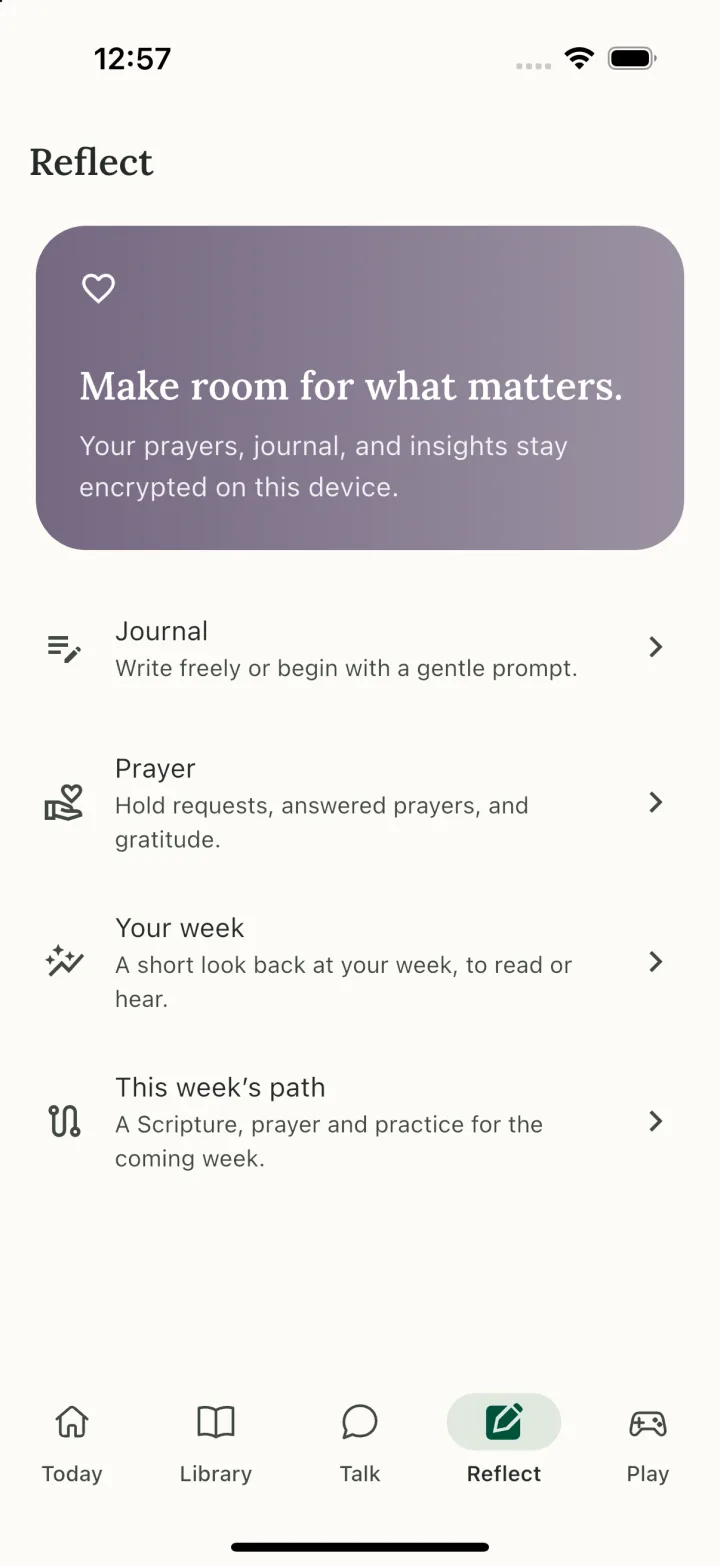
A little space to notice the week behind you—and choose how you want to begin the next.
01
Your Week
See the moments you’ve recorded. If you wish, choose journal entries or prayer records for a private reflection, created on your device.
02
This Week’s Path
Choose any Bible passage. Stillwalk pairs verified Scripture with a suggested prayer, a small practice, and a journal prompt. Review it before saving.
Your writing is only included when you choose it.
A WEEK ROOTED IN GRATITUDE
“In everything give thanks, for this is the will of God in Christ Jesus toward you.”
1 Thessalonians 5:18 · WEB
01
Notice.
Name three ordinary gifts today.
02
Pray.
Ask for eyes to see God’s goodness.
03
Reflect.
What changed when you slowed down?
One passage. Small moments. Room to grow.
PRIVATE BY NATURE
Some things are between you and God.
Your prayers and reflections deserve a thoughtful home. Stillwalk is built around local storage and on-device intelligence, so your personal moments can stay personal.
01 / ON YOUR DEVICE
A companion close to home.
Personal AI conversations and voice processing are designed to run locally on your phone.
02 / WITH YOU, OFFLINE
Quiet doesn’t need a signal.
Download the content and model packs you need, then make room for Scripture and reflection offline.
03 / CLEAR BOUNDARIES
Connected when it matters.
Model downloads and app updates need a connection. On-device AI also needs a compatible phone and enough storage for its model packs.
A FEW THINGS TO KNOW
A little more about Stillwalk.
When can I download Stillwalk?+
Stillwalk is in development for iOS and Android. App Store and Google Play links will be added when the app is ready. Questions in the meantime? Write to stillwalk@ruhu.ai.
What can I do in the app?+
Read and study the Bible, explore daily devotionals, have AI conversations about faith by text or voice, keep a private journal, keep prayer records, look back with Your Week, and choose This Week’s Path. Bible games offer another way to engage with Scripture.
Does Stillwalk use my journal or prayers?+
Only when you choose. Private reflections in Your Week and suggestions for This Week’s Path let you select journal and prayer sources. Devotional personalisation is optional in Settings. This processing happens on your device.
Does Stillwalk work without internet?+
The core experience is designed to work offline after you download the necessary content and AI model packs. Initial downloads and updates require internet access. On-device AI availability depends on your phone’s capabilities.
How should I use the AI companion?+
Use it to explore questions and support reflection, and check its answers against Scripture. AI responses can be mistaken. Stillwalk is a companion for your daily walk, alongside your Bible, church, and trusted people in your life.
BEGIN WHERE YOU ARE
Be here for the first steps.
Stillwalk is coming soon to the App Store. The download link will appear here.